[Solved] Apple Pay & Google Pay Buttons Not Working

Summary:

WooCommerce and WooPayments plugins installed. WooPay, Apple Pay, and Google Pay buttons on Product page not working. Clicking on WooPay button just shows spinner. Clicking on Apple Pay and Google Pay buttons displays a red banner error message at top of page: “There was an error processing the product with this payment method. Please add the product to the cart, instead.” On Cart and Checkout pages: Apple Pay and Google Pay buttons don’t display at all.

Offending plugin:

Siteground’s Speed Optimizer plugin was causing the WooPayments’ “Express Checkout” payment methods (Apple Pay and Google Pay buttons) to not display on the frontend on Cart and Checkout. And while the buttons did display on Product pages, they didn’t work.

Solution: In WordPress Admin go to:

  1. Speed Optimizer > Frontend > Javascript tab: DISABLE “Defer Render-blocking JavaScript”. Then:
  2. Speed Optimizer > Caching > Caching Settings section: Click Purge Cache button

Testing:

  • Opened Product page in Incognito Window (Google Chrome): WooPay, Apple Pay, and Google Pay buttons all work properly.
  • On Cart and Checkout pages: WooPay, Apple Pay, and Google Pay buttons display properly and work properly.

Re-cap:

“Defer Render-blocking JavaScript” was causing all the trouble. Setting it to disable fixed the problems.

Minify JavaScript Files and Combine JavaScript Files were also set to disable in case they might interfere with WooPay, Apple Pay, and Google Pay buttons displaying and working properly.

Similar Posts

  • Facebook for WooCommerce Not Pushing Products

    Compiling a list of articles to help troubleshoot why Facebook for WooCommerce is not pushing WooCommerce products to Facebook Shop. Facebook Microdata Debugger Tool About Microdata Tags for Catalogs | Facebook Business Help Center Best Practices for Facebook Pixel Setup | Facebook Business Help Center How to Set Up a Facebook Pixel & Microdata Tags…

  • Delete QR code from Event tickets – Event Tickets Plus

    Overview: Event offers 3 ticket prices, Adult, Senior, and Kids. Goal: make sure the QR code for Kids does not appear on tickets. One of our senior technicians has created a solution for this. Please check it out here: https://gist.github.com/andrasguseo/83d1509f96b70160b1dfc95bfc5a97eb You need to put the first code into your child theme’s functions.php file or use…

  • [FIX] Missing Main Product Images In Facebook Shop

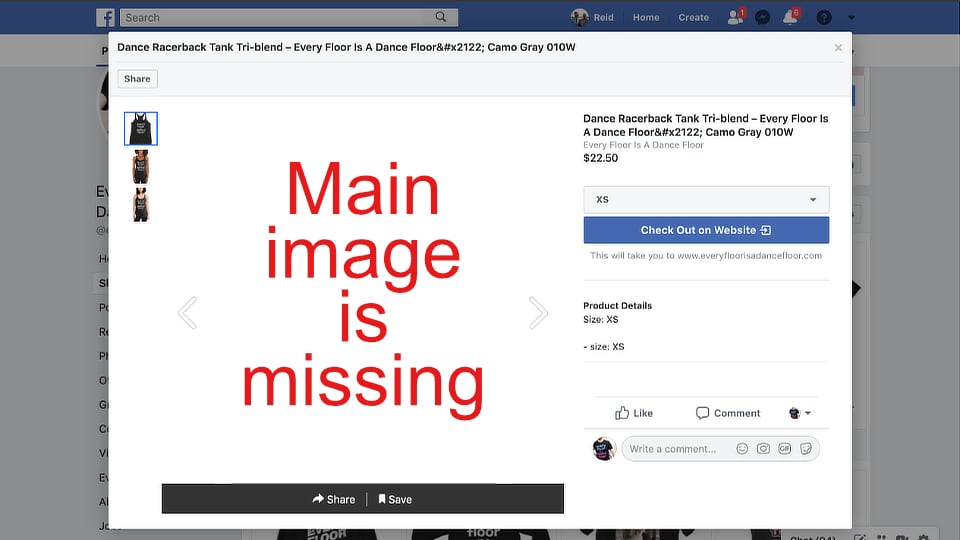
    A fix for Facebook shop images not showing Problem: Main product images not showing in Facebook Shop. Thumbnails show up fine in the catalog, but as soon as I click on a product thumbnail, the popup is blank. There’s NO main product image! I’m using Facebook for WooCommerce to get my Printful products from my…

  • WooCommerce: Add Plus & Minus Buttons to Product Quantity Field

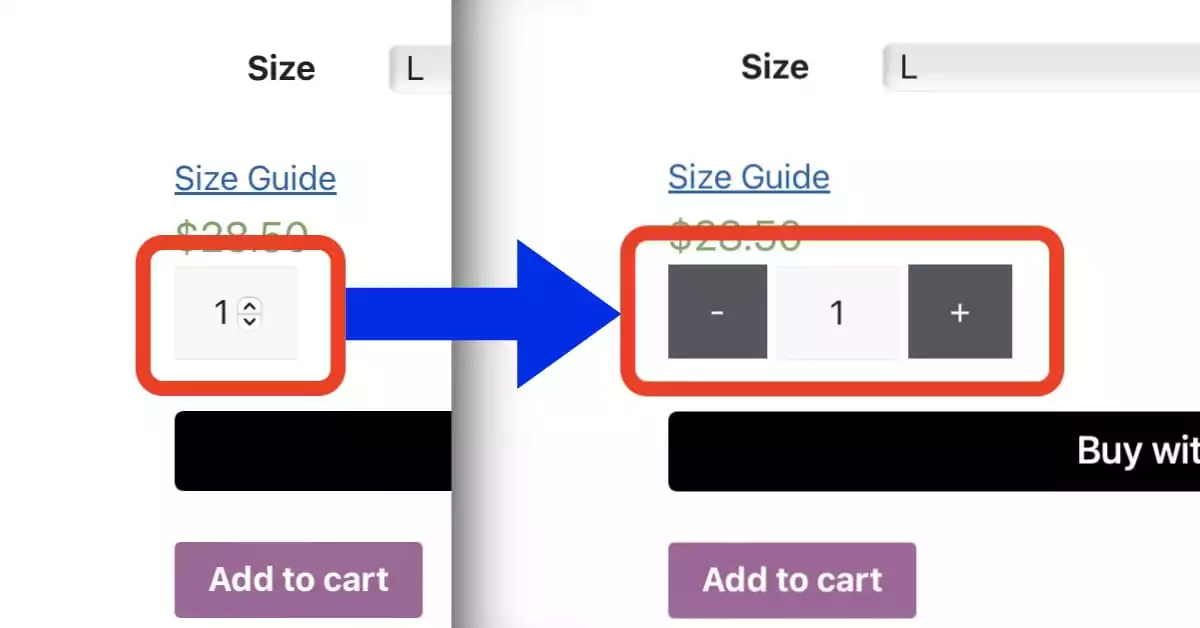
    Problem #1: Quantity arrows but no plus / minus buttons Display Plus & Minus Quantity Buttons on WooCommerce Single Product Page and Cart Page Add the following PHP snippet to WordPress using Code Snippets plugin (and choose the “Only run on site front-end” option): Source: WooCommerce: Add to Cart Quantity Plus & Minus Buttons Problem…

  • How I Got Started Selling T-shirts

    In 2021 I uploaded my artwork to TeePublic. They’re a popular print-on-demand printer that handles order-taking, payment processing, printing, shipping, and returns. You just create a free account and upload your high-resolution 300-dpi artwork (I use Affinity Designer). Price of printing is the same for a 1-color or a million colors, like a photo. The…

  • Slow Loading Site on Google Chrome?

    WooCommerce Product Category links were taking 15-20 seconds to load when clicked in the main menu in the Header. And 10 seconds to load when clicking Product Category link from the Shop page. Solution: Delete Chrome’s cookies/site data for the particular site 1. Incognito Window (in Google Chrome): Test the Product Category link’s page load…

Leave a Reply

Your email address will not be published. Required fields are marked *