Watermark Overlay
Testing watermark copyright text overlay settings with Affinity Photo. Repeating copyright information set at a diagonal across the image.
- Layer blend mode set to: Soft Light
- Layer opacity set to: 50%
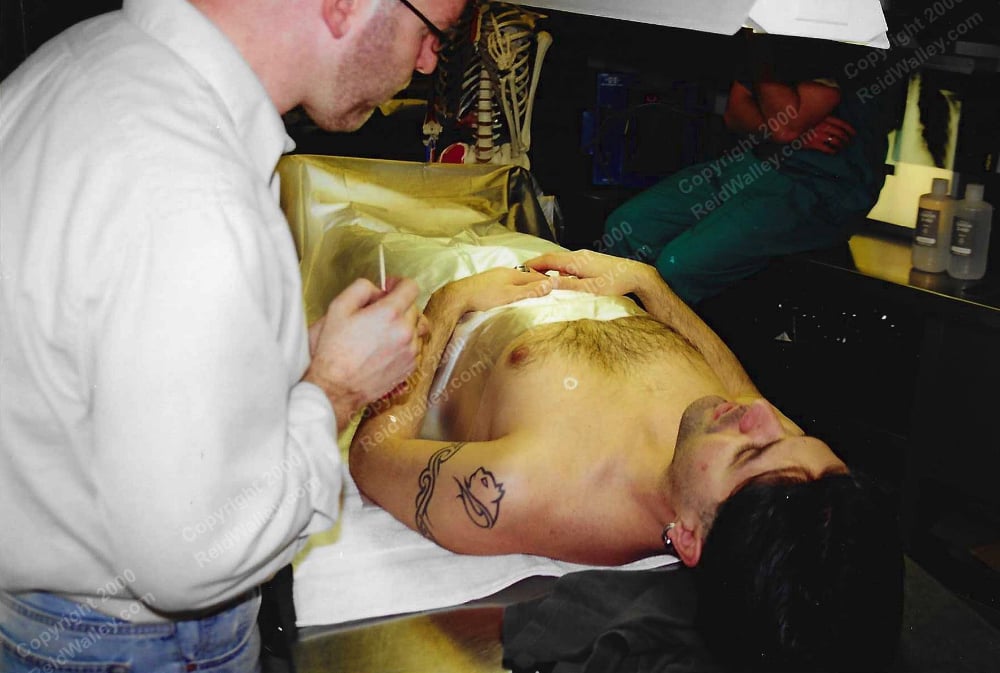
Testing watermark copyright text overlay settings with Affinity Photo. Repeating copyright information set at a diagonal across the image.

Graphic designer since before the Internet. Started with newspaper paste-up; then art director for advertising agency in Reno, NV; and now freelancer designing marketing materials, print-on-demand t-shirt art, websites, and social media graphics.
I have a cool looking image of stars and galaxy in space that I want to print on a t-shirt using print on demand. But I want to remove the black of space and print just the stars. Using Affinity Photo 2:
Reducing a PNG logo from 1211px X 366px @ 150dpi to 300px X 91px @ 72 dpi. I found that Affinity Photo’s default setting of Resample + Bilinear is crap for reduced image sizes. Using Resample + Bicubic is still kinda crappy. But Resample + Lanczos 3 options gave a sharper result: Lanczos 3 (separable) =…
(Version 1.7.0): After following instructions from Affinity Photo: Extract/Cut Out an Image and Selection with the Selection Brush in Affinity Photo, under Refine Selection I chose Output > New Layer with Mask. OK, but now how do I re-select the selection (that I turned into a Mask) to edit the Mask further? Two options: Click…
Affinity Photo 1.7.0 on MacBook. Goal: Create initial Selection, save to Mask; then come back and add more selections to the existing Mask. The following notes reflect how I used Spare Channel to pack multiple selections into one Mask. It’s probably not the best way to combine multiple selections into one Mask, but it’s the…
Goal: To knock out a section of pixels so the Affinity Photo document’s transparent background shows through. Very important tip regarding Group Layers: Selecting the area to be deleted via the Group Layer just deletes the whole Group Layer (and all the sub-Layers inside it). MUST highlight all the sub-Layers INSIDE the Group Layer, then…
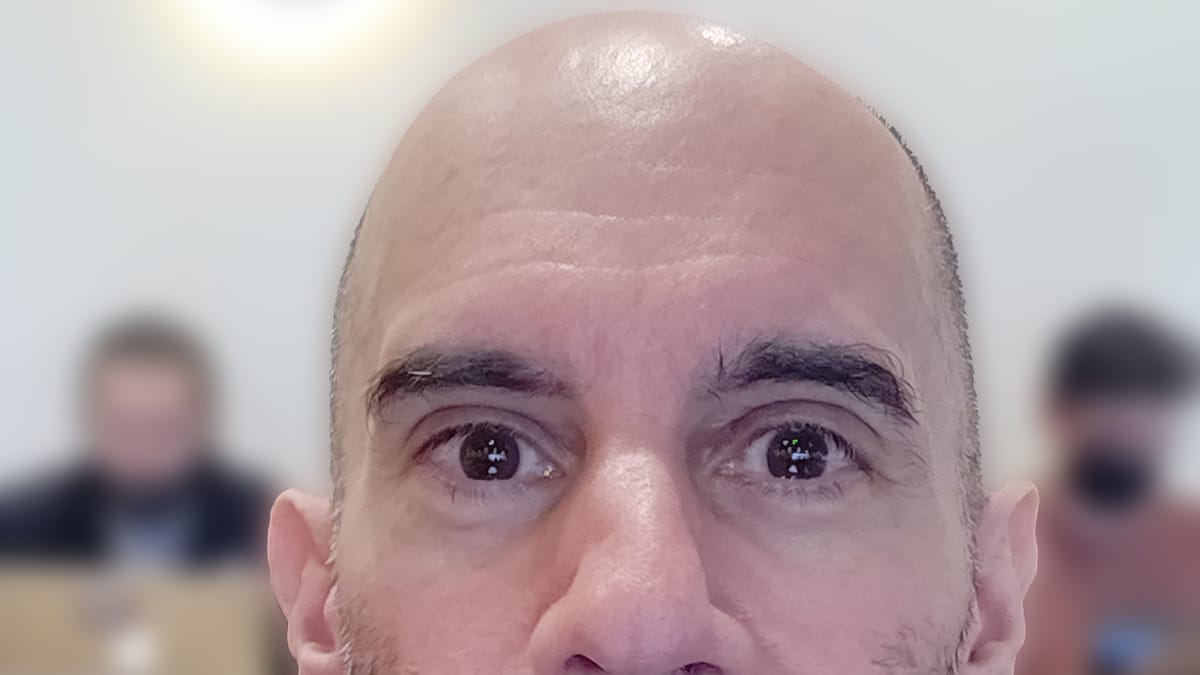
While the ultimate goal is to blur the background of an image, I also want to save the outline that I’ve drawn around the main object in case I want to alter it later or just have it handy for future use. 1. Selection Brush Tool: draw marching ants around main subject Mode: Add (toggled…